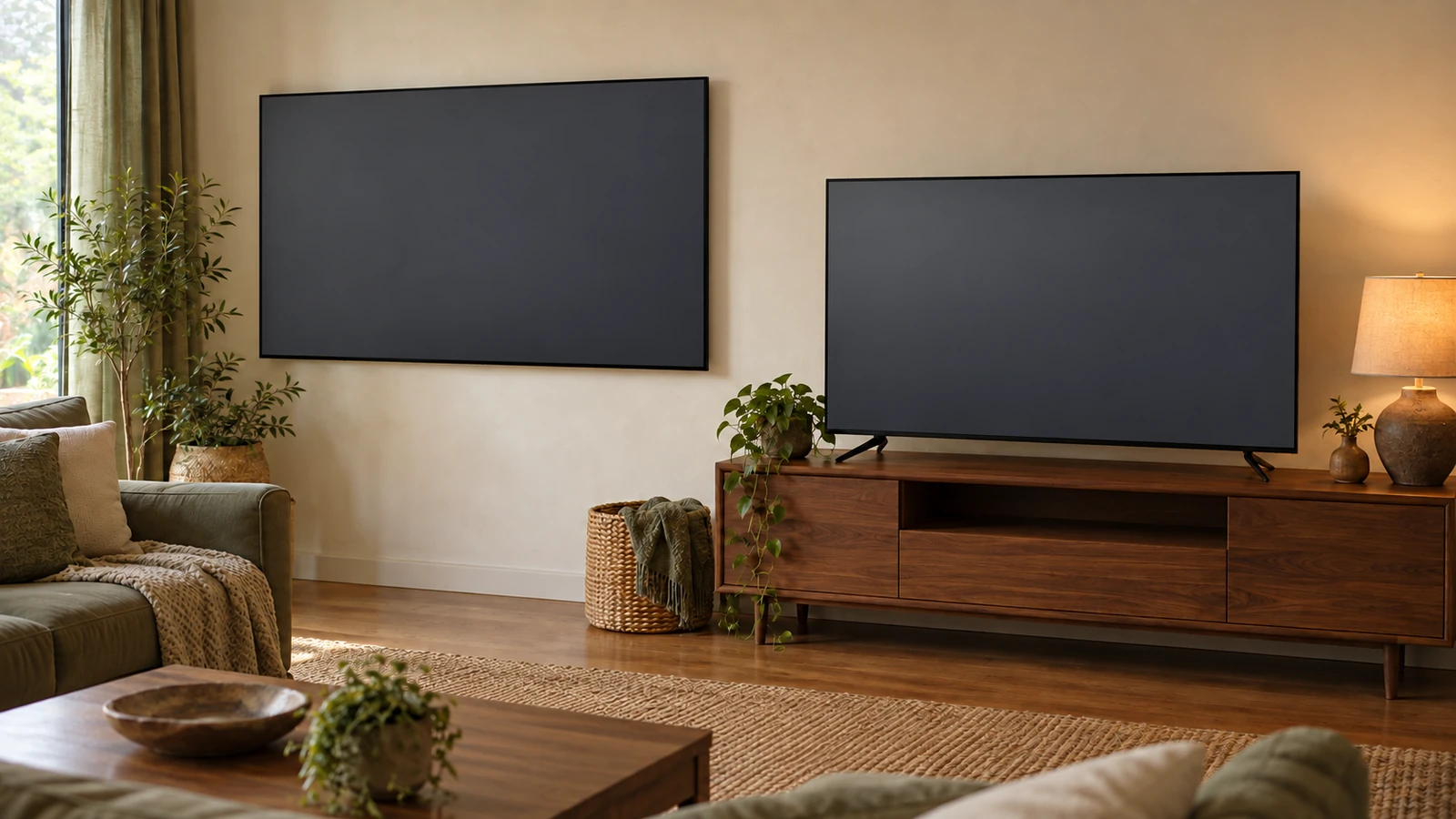
Buying a commercial display for the living room can cost you features you expected, such as a TV tuner, while paying for running hours you will never use. For most homes a consumer TV is the right choice; a commercial display makes sense at home only when the screen stays on many hours a day, faces a very bright room or has to be controlled by a home automation system.
A commercial TV, or commercial display, is a screen built and warrantied for business use: makers rate it for long daily running times, such as 16 hours a day (LG’s UR640S) or 24 hours a day (Samsung’s QMC series), add control ports such as RS-232C, and back it with a business warranty, three years on the LG model. A consumer TV is built for household viewing, includes a broadcast tuner and carries a home-use warranty; Samsung’s U.S. warranty for its Q6F-series TVs, for example, gives one year for home use and 90 days if the set is used commercially. Decide by how many hours the screen runs, how bright the room is and whether you need over-the-air TV.
The comparison uses public spec sheets and warranty terms for two commercial examples, Samsung’s QMC signage series and LG’s 65-inch UR640S signage TV, and Samsung’s published U.S. consumer TV warranty.
| Input or item | Typical value or source | Why it matters |
|---|---|---|
| Rated running time | 24/7 (Samsung QMC); 16/7 (LG UR640S); on the consumer model’s spec sheet (Samsung’s 2018 guide describes 6 to 8 hours a day) | Matters only if the screen stays on most of the day |
| Brightness (typical) | 500 nits (QMC); 400 nits in LG’s 65-inch UR640S spec table (330 in the same page’s highlights) | Compare like-for-like figures for your room’s light |
| Broadcast TV tuner | None listed (QMC); ATSC and Clear QAM (LG UR640S) | Without one you need a separate tuner for antenna TV |
| Warranty | 3-year limited (LG UR640S product page); consumer: 1 year, 90 days if used commercially (Samsung U.S., Q6F-series TVs) | Coverage depends on how the set is used |
| Control ports | RS232C and RJ45 (QMC); RS-232C 3.5 mm (LG UR640S) | Needed only for automation or remote management |
| Energy label | ENERGY STAR 8.0 under the displays specification (QMC); Energy Star: No (LG UR640S) | Signage and TVs are certified under different ENERGY STAR specifications |
Sources: Samsung QMC leaflet; LG 65UR640S9UD specifications; Samsung U.S. TV limited warranty.
Commercial vs consumer TV: the side-by-side comparison
The core difference is the job the maker designed for. A commercial display is rated to run for long shifts in a business and to be managed remotely; a consumer TV is designed for household viewing with a tuner and a home warranty. The table puts the two published commercial examples next to the consumer warranty terms on the same rows.
| Feature | Samsung QMC (commercial display) | LG 65UR640S (signage TV) | Consumer TV (Samsung U.S. warranty and 2018 guide) |
|---|---|---|---|
| Rated operation | 24/7 | 16/7, lifetime up to 30,000 hours | Not stated in the warranty; Samsung’s 2018 guide says designed for 6 to 8 hours a day |
| Brightness (typical) | 500 nits | 400 nits in the spec table; the page highlights list 330 | Check the model spec sheet (Samsung’s 2018 guide claimed typically 300 nits or less) |
| TV tuner | Not listed (“Tuner: N/A”) | ATSC, Clear QAM, RF antenna input | Required for any TV broadcast receiver sold in the U.S. (47 CFR 15.117) |
| Video inputs | HDMI 2.0 x3, DisplayPort 1.2 x1 | Two side HDMI inputs; HDMI-ARC listed | Check the model spec sheet |
| Control | RS232C in/out, RJ45 | RS-232C (3.5 mm) | Samsung’s 2018 guide says typically no RS-232 |
| Orientation | Landscape or portrait | Vertical setup listed | Samsung’s 2018 guide says not designed for portrait |
| Warranty | Check the region warranty (Samsung’s 2018 guide describes three years on-site for its commercial displays) | 3-year limited | 1 year parts and labor; 90 days for commercial use |
| Energy label | ENERGY STAR 8.0 (displays) | Energy Star: No | ENERGY STAR television specification (effective March 1, 2019), where certified |
Sources: Samsung QMC leaflet; LG 65UR640S9UD specifications; Samsung U.S. TV limited warranty; Samsung Electronics America, “Seeing the Big Picture” (2018); 47 CFR 15.117; ENERGY STAR.
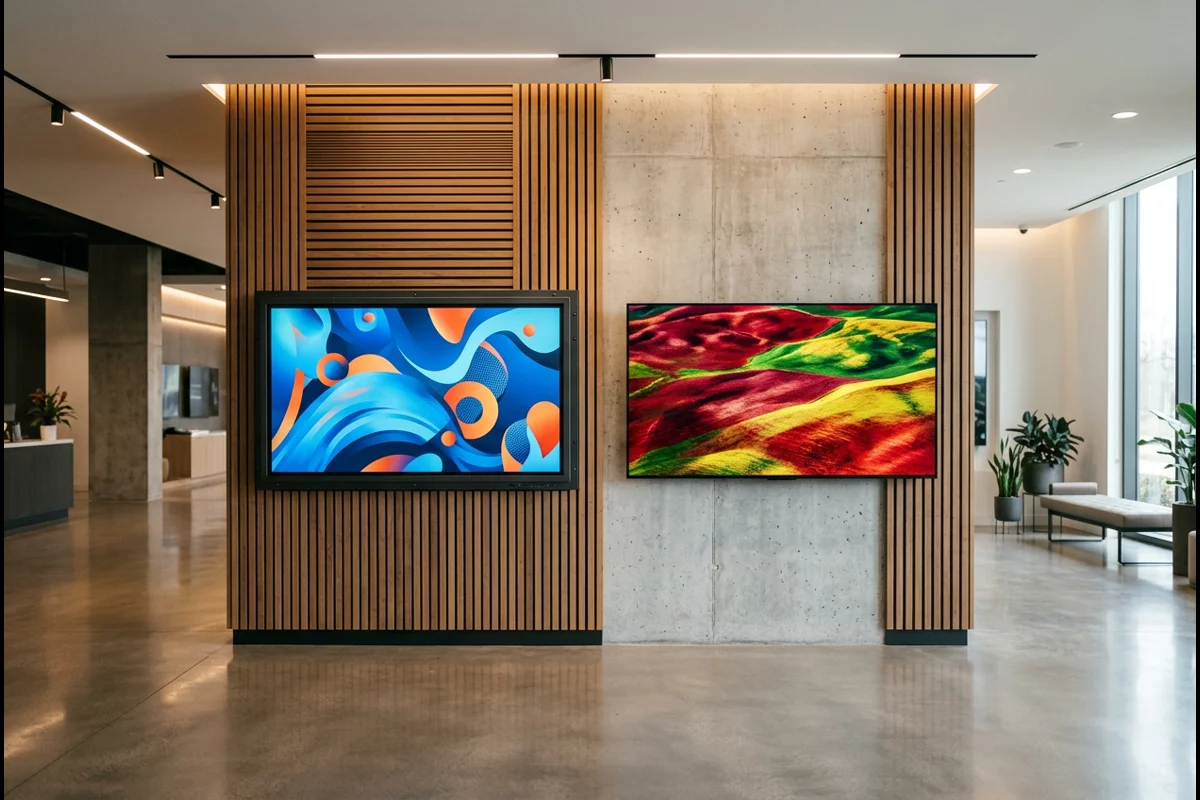
The commercial rows are each maker’s published claims for one product line. The consumer column leans on Samsung’s 2018 marketing guide, which was written to sell commercial displays; use it as that maker’s description of a typical home set, and confirm the set you are buying on its own spec sheet.
Takeaway: Compare commercial and consumer screens on the same rows from each maker’s spec sheet; marketing labels alone do not tell you which suits your room.
Running hours: does a home need 16/7 or 24/7?
Most homes do not need a 16/7 or 24/7 rating. Those ratings matter when a screen runs a long shift every day, such as a lobby sign or menu board, which is the use the commercial makers design for. LG rates the 65-inch UR640S for 16 hours a day, 7 days a week, with a lifetime of up to 30,000 hours; Samsung rates its QMC series for 24/7 operation.
The consumer side is harder to pin down. The Samsung U.S. TV warranty covers “normal” and “noncommercial use” without giving a daily figure, and Samsung’s 2018 guide says consumer TVs are designed for a maximum of 6 to 8 hours a day. That figure is a commercial-display maker’s marketing claim; treat it as a hint about design intent, not a limit printed in your TV’s manual.
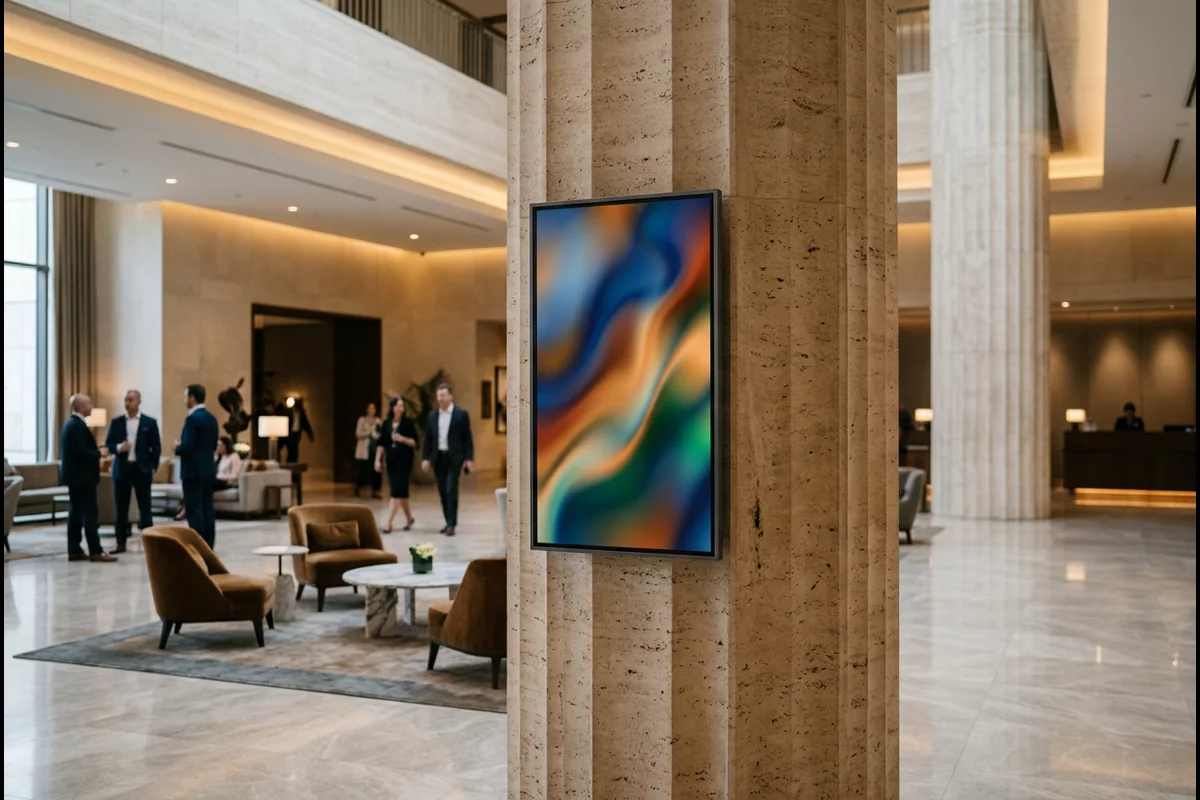
Home uses that come closer to commercial hours include a screen left on as a home-office dashboard, a kitchen display that runs all day or a bar area with sports on for long stretches, such as the multiple nights of NBA games NBC has scheduled for the season. If your screen will be on for more than a working day, every day, the rating is worth paying attention to.
Takeaway: Count your real daily viewing hours before paying for a 16/7 or 24/7 rating.
Brightness and picture: what a bright room needs
Brightness is one place a commercial display can differ from a consumer TV, but the published numbers need care. Samsung lists 500 nits typical brightness for the QMC series; LG’s page for the 65-inch UR640S gives 400 nits in its spec table and 330 nits in its highlights, so confirm the figure before relying on it. Samsung’s 2018 marketing guide claimed consumer TVs were typically limited to 300 nits and that its high-brightness commercial models reached 2,500 nits; that is a dated claim from a commercial-display seller, not a current measurement.
Picture quality for movies and shows is a separate question from brightness. The LG spec lists HDR10 Pro but not Dolby Vision, and the QMC leaflet lists a 4,000:1 typical contrast ratio for its VA panels (1,200:1 for IPS versions). Consumer TV spec sheets publish their own HDR formats and picture modes; compare those lines directly rather than assuming a commercial display looks better at home.
Common mistake: Comparing brightness figures with different labels. A “typical” figure on one sheet and a differently defined figure on another are not like for like; ask each maker which measure it lists before comparing.
Takeaway: Judge brightness against your room’s light using like-for-like figures, and compare HDR and picture features separately.
Tuner, inputs and apps: what changes for home viewing
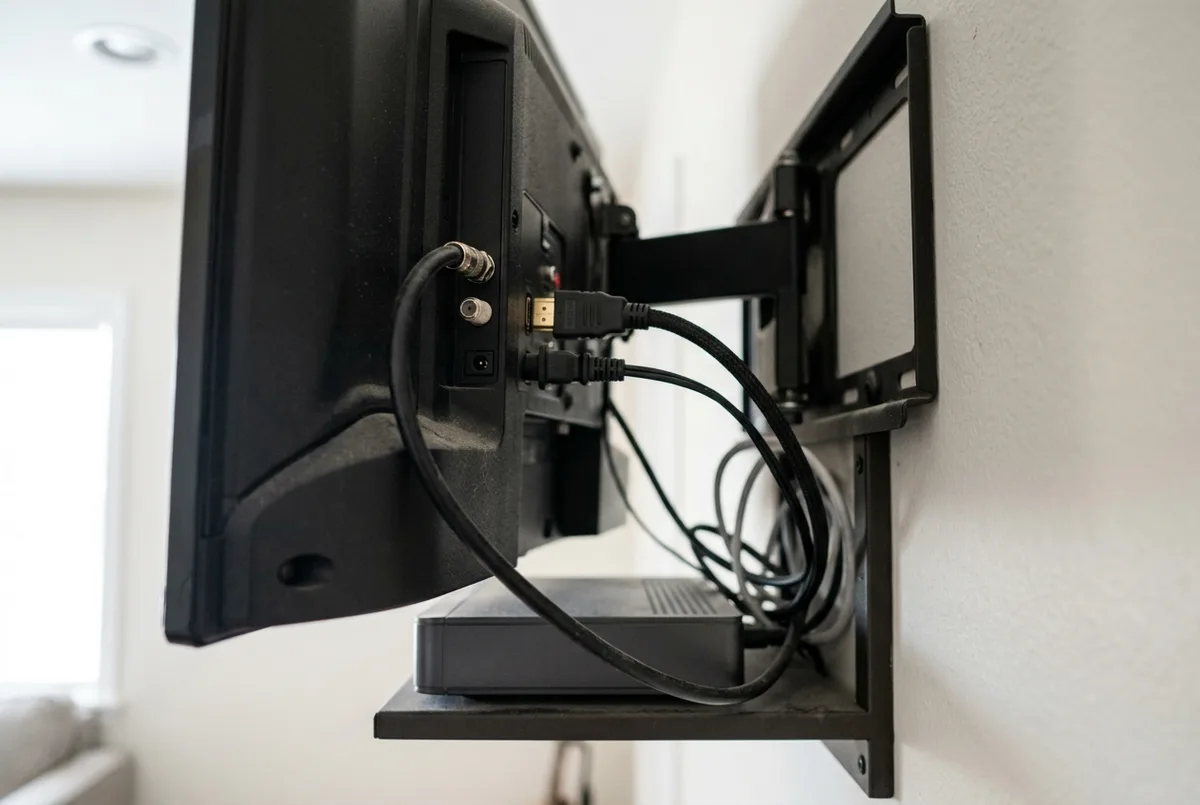
A commercial display without a tuner cannot show antenna TV on its own. Samsung’s QMC leaflet lists the tuner as “N/A”, while LG’s UR640S includes an ATSC and Clear QAM tuner with an RF antenna input. Under FCC rules (47 CFR 15.117), a TV broadcast receiver sold in the U.S. must be able to receive digital broadcast channels; a display that is not a TV receiver carries no such requirement.
| Home need | Samsung QMC | LG UR640S | What to check on a consumer TV |
|---|---|---|---|
| Antenna TV | Needs an external tuner | Built-in ATSC tuner | Listed tuner standard |
| Streaming apps | Runs Samsung’s signage platform (Tizen 7.0, MagicInfo); check the apps you use | webOS 6.0; check the apps you use | App store and the services you subscribe to |
| Game console or player | HDMI 2.0 x3 | Two side HDMI inputs, HDMI-ARC listed | HDMI count and gaming features |
| Sound | 10W 2-channel speakers | 10W x2 speakers | Speaker output and eARC for a soundbar |
Sources: Samsung QMC leaflet; LG 65UR640S9UD specifications; 47 CFR 15.117.
The two gaps need different fixes. Missing apps can be covered by a compatible streaming device on a free HDMI input. Missing antenna reception needs a compatible external TV tuner and an antenna, so check the tuner’s outputs against the display’s inputs. If you watch broadcast networks over the air, especially during the fall premiere season, confirm the tuner before you buy. Big live events are broadcast too: the Television Academy’s July 17, 2026 announcement put the Emmy telecast on NBC on September 14, 2026, and the Academy and ABC have scheduled the 99th Oscars on ABC for March 14, 2027, as our Oscar night planning guide notes.
Takeaway: Before buying a commercial display for home, list every source you watch and confirm each has a way onto the screen.
Warranty: what changes when you use a TV at home or at work
Warranty terms follow use, and they are the most concrete difference in the published warranty terms. Samsung’s U.S. limited warranty for its Q6F-series TVs gives one year of parts and labor for home use, cuts that to 90 days “for commercial use,” and excludes brightness problems “if the TV is used for commercial or non-normal consumer use.” LG lists a 3-year limited warranty on the UR640S signage TV.
| Situation | What the sources say | What to do |
|---|---|---|
| Consumer TV at home | Samsung U.S.: 1 year parts and labor | Keep the dated receipt |
| Consumer TV in a business | Samsung U.S.: 90 days parts and labor; commercial-use brightness issues excluded | Buy a commercial model for business use |
| Commercial display in a business | LG UR640S: 3-year limited warranty | Register it with the maker |
| Commercial display at home | Confirm on the warranty card | Ask the seller in writing whether residential use is covered |
Sources: Samsung U.S. TV limited warranty (QN49Q6F series); LG 65UR640S9UD specifications.

Common mistake: Assuming a longer commercial warranty automatically applies in a home. The LG product-page summary is not the full warranty text. Confirm in writing with the seller whether residential use is covered before you rely on it.
Takeaway: Read the warranty card for the exact model and use before treating the warranty length as a reason to buy.
Control, mounting and orientation: features a home rarely needs
Commercial displays add features for installers: wired control, remote management, portrait mounting and tamper locks. They are useful at home only for specific setups. The QMC lists RS232C in/out and an RJ45 port and supports portrait orientation; the LG UR640S lists an RS-232C port and vertical setup. Samsung’s 2018 guide adds that its commercial displays offer IR remote lockout, with USB lockout on select models; check the specific model before counting on either.
At home, RS-232C matters if a home automation controller needs to switch the screen on, off or between inputs reliably; portrait mode matters for a vertical art or information display. If neither applies, these features add nothing to everyday viewing.
Takeaway: Treat RS-232C, portrait mode and lockouts as installer features, worth paying for only when your setup uses them.
Which should you buy for home? A five-question checklist
Answer all five questions, write down the requirement each one creates, and then choose a specific model whose spec sheet and warranty meet every requirement. This is our checklist, built from the spec rows above, not a maker’s recommendation.
| Question | Requirement it creates | What to check |
|---|---|---|
| 1. How many hours a day will the screen be on? | A rating that covers those hours | The model’s rated daily operation (16/7 covers up to 16 hours; 24/7 covers continuous use); for a consumer TV, its manual and warranty terms |
| 2. Is the room bright, or does sun hit the screen? | Enough brightness for the room | Like-for-like brightness figures on both spec sheets |
| 3. Must a control system switch it by RS-232C or LAN? | Control ports | RS-232C or LAN control in the spec sheet |
| 4. Will it hang in portrait orientation? | Portrait support, or standard landscape mounting | Orientation support in the spec sheet |
| 5. Do you watch antenna TV or need specific apps? | Tuner and apps, built in or added | Tuner standard and app platform, or the add-on devices you will need |
If you are setting up a room for a group, such as an awards night, run the same checks for that room, then use our Oscars party guide and its printable ballot for the rest of the setup. More screen and schedule explainers are in our TV section.
Takeaway: Turn each answer into a requirement and buy the specific model that meets all five, whichever label it carries.
When this does not apply
This comparison uses two commercial product lines and one consumer warranty statement. Other models and regions carry different ratings and warranty terms, and makers update their pages; check the exact model number before buying. Prices, outdoor displays, video walls and editing monitors come from the quote and that product line.
The consumer figures from Samsung’s 2018 guide are marketing claims from a seller of commercial displays. Who publishes this site is on the about page.
Takeaway: Treat every figure here as one maker’s statement for one model, and confirm it on the spec sheet of the set you are buying.
Sources
Figures come from Samsung’s QMC series leaflet, LG’s U.S. specification page for the 65-inch UR640S signage TV, Samsung’s U.S. limited warranty statement for its Q6F-series TVs, Samsung Electronics America’s 2018 guide “Seeing the Big Picture,” ENERGY STAR’s television and signage display pages and the FCC rule on TV broadcast receivers (47 CFR 15.117). Before buying, re-check the exact model’s spec sheet and warranty card.
Related reading
Choose by what you are planning: a viewing night, the TV calendar or more explainers.
- Oscar pool ballot and party guide — Set up an awards night once the screen is in place.
- How the fall TV schedule works — Know when the networks launch new seasons.
- Emmy nomination categories explained — Follow the TV awards calendar.